You have made slideshows before, and you know how an evening goes: choosing a template, moving photos, getting the music to fit. Yet when you press play, it can still look like everyone’s slideshow, even with your family in every frame.
For a family slideshow for a birthday, anniversary, graduation or retirement, Glinded is an alternative that builds the video for you. You answer a few questions and add photos, without having to assemble the slideshow yourself.
We compare seven alternatives to Animoto alongside staying with it, what you do in each, and what one video costs. With Glinded, edits are optional.
Glinded: families who want their video without an editing evening
Animoto: regular videos and marketing teams
The editing evening
Making a slideshow can take your evening.
You put the photos in order, then adjust how long each stays on screen. You play it back, move a caption and try to make the last photo land with the music. Just as you think you are done, you spot a name to fix.
Many reviewers find Animoto easy. Tracy F. writes: “Animoto is the most user friendly program I’ve ever used!” One paid month can cover several videos, provided you finish and download them during that month. That can be good value. For one occasion, the mismatch may be the editor you still have to drive.
You are not lazy for wanting less editing, or cheap for wanting only what you need. You can choose an editor if you enjoy the work. With Glinded, you answer a few questions, add the photos, and the finished video arrives, usually in minutes. After watching, ask for changes in plain words in ChatGPT if you want.
A family slideshow should take you back, not take your evening.
These video makers describe their own experience in public reviews, quoted here in their words.
Tell us who the video is for and the occasion, choose portrait or landscape, and add your photos. We build the finished video, usually in minutes. After watching, you can request changes. Edits are optional.
Start here
Who is it for?
Say who the video is for, choose the occasion, and pick portrait or landscape. Add one photo to see your opening cover, with the name and occasion over it. Use it or ask for a change before adding the rest.
Next
Add the rest of the photos
Add the rest of your photos. A typical Glinded video uses around 68. For old or faded photos, review the before-and-after restoration pairs, then choose to restore them or keep the originals.
By email
Get your finished video
Videos with up to five photos are free. For more, pay once by photo count. Your video arrives by email in about ten minutes, with a download link live for two days. You can get a full refund before downloading.
After watching
Ask for changes in ChatGPT
Click “Edit video” on your video page to open Glinded in ChatGPT. Ask for different music, corrected names or dates, or changes to the photos and their order. Edits and new versions are free after payment. Prefer ChatGPT? You can also start there.
Make edits in ChatGPT.
ChatGPT
Could we try gentle acoustic music? Dad’s more Sunday chili and dry jokes than a grand entrance.
Glinded
I changed the music to a gentle acoustic style. Your new version is ready.
To protect family privacy, the people in this video are not real, and this demo shows what Glinded can make.
Ask anything
Compare the commitment
Which tools fit one family video?
Compare payment, the cost of one video, what you do, and who each tool suits. For subscriptions, the price column uses monthly billing for one video, not an annual rate divided by twelve. Free and per-video options are shown separately.
Scroll the table sideways on a phone.
Eight slideshow tools compared by payment model, cost for one video, what you do and who each suits.
Tool
Payment
One video costs
What you do
Best for
Animoto
Subscription; free plan
$19 monthly
Pick a template and edit the video
Beginners happy to edit a video template
Canva
Free; Pro and Business subscriptions
Free; paid varies by country
Design each slide yourself
Beginners happy to design each slide themselves
CapCut
Free; Pro and Ultra subscriptions
Free; paid varies by country
Cut the video on a timeline
Confident editors who want full control
iMovie
Free
Free
Place photos, set timing, choose music
Confident editors who use Apple devices
FlexClip
Subscription; free plan
Free; $19.99 monthly without watermark
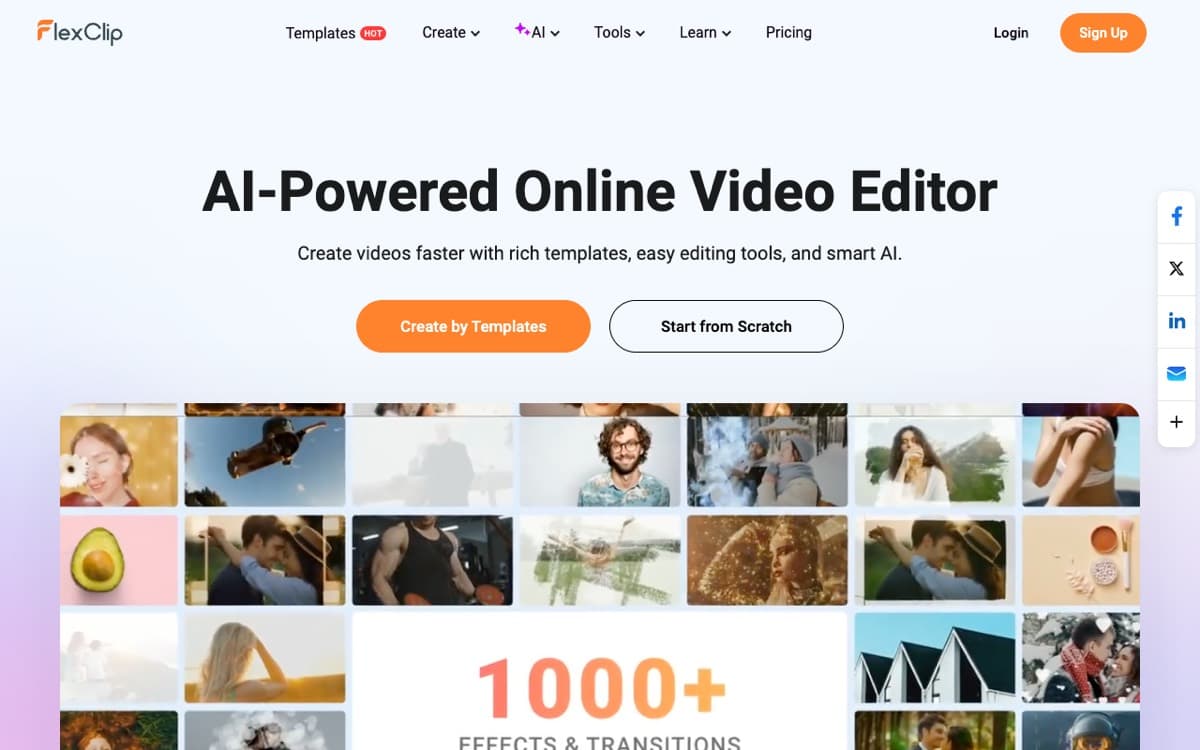
Edit a template in your browser
Beginners happy to edit templates in their browser
Smilebox
Subscription
No public price
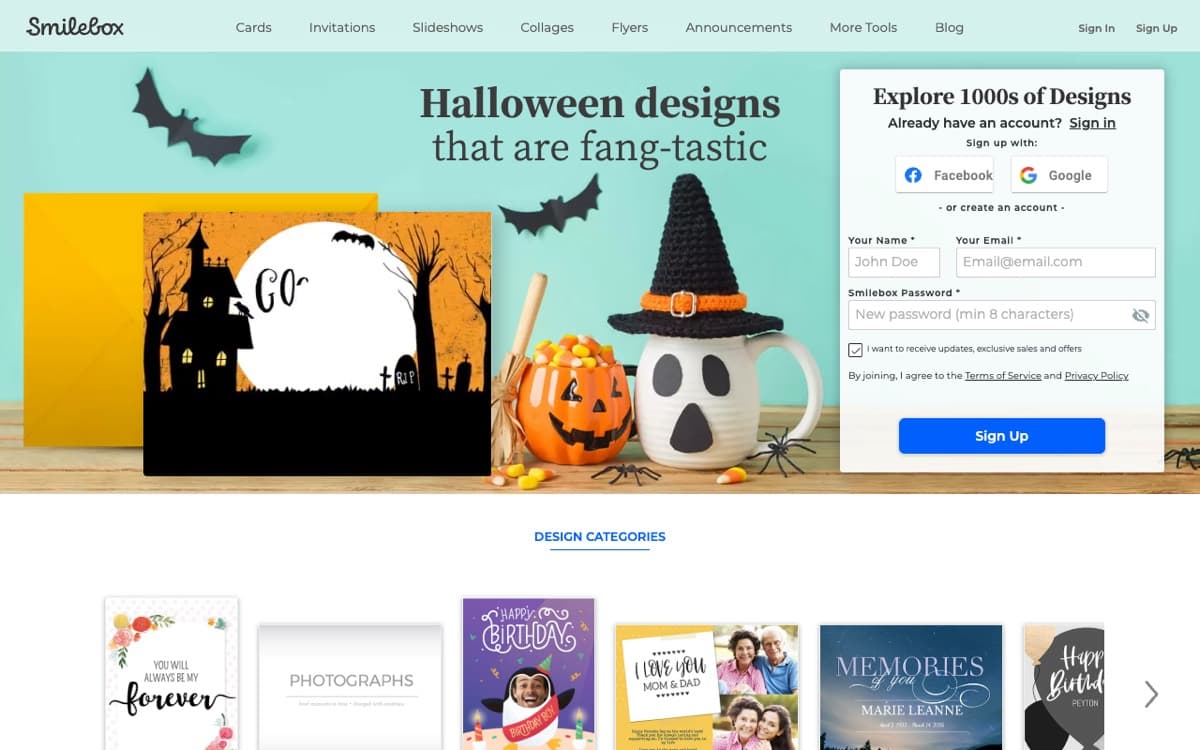
Make a family slideshow after signing up
Beginners happy to edit family slideshow templates
VidDay
Pay per video; optional membership
$5 to $15 by length
Gather recorded messages from relatives
Beginners collecting family messages without editing video
Glinded
Pay per video; free 5-photo package
$8.99 to $14.99 for 40 to 60 photos
Answer questions and add your photos
A finished family video with nothing to learn
Figures come from the vendors’ own published pricing and help pages: Animoto, FlexClip and VidDay.
The one-video receipt
What does one slideshow actually cost?
We compare Animoto Basic, a subscription, with Glinded, paid once per video, for one slideshow of 40 to 60 photos and two slideshows in a year. Basic is Animoto’s cheapest plan with watermark-free downloads, and one Animoto month can cover several videos.
Scenario
Animoto Basic subscription
Glinded, paid once per video
One video: 40 to 60 photos
$19billed monthly, or $9 a month billed annually, with $108 paid up front.
$8.99 to $14.99$8.99 up to 40 photos, $14.99 up to 150. Downloaded and kept.
Two videos in a year
$19 to $108$19 per subscribed month, or $9 a month billed annually, with $108 paid up front.
$17.98 to $29.98Once, depending on each video’s photo count.
On Animoto, after paid access expires, downloads lock and links stop, per Animoto’s help centre. On Glinded, you keep the downloaded video and can get a full refund any time before you download.
Start with the occasion
Which alternative fits your occasion?
Start with the photos you can gather, the screen at the venue and the time you have to edit. Or upload the photos and let Glinded build the first version. The occasion helps narrow the shortlist.
What a slideshow needs for each occasion, and where to start.
Occasion
What the video needs
Where to start
Birthday
Photos from several phones and the shoebox, readable on the party TV, without a surprise logo.
Choose a birthday slideshow maker after checking the watermark and the price for your photo count.
Anniversary
Photos from both families, room for older pictures, and music the venue can check.
Childhood and school photos, checked names, and a video ready for the projector.
Start by gathering the photos and deciding whether you want to edit every slide yourself.
Retirement
Photos from home and work, clear captions, and a download ready before the gathering.
Confirm the download rules before colleagues spend time finding and sending their photos.
Memorial
Photos from relatives, a calm pace, and music checked with the funeral home.
Choose a memorial slideshow maker after confirming the music, download access and time needed for changes.
The honest shortlist
Seven alternatives, plus staying with Animoto.
Each entry follows the same format: what it is, a look at it, the best features, the limits, and the price. Start with the work involved, then decide whether the cost makes sense for the video you want.
Canva
Your effort
4 of 5
Control
4 of 5
Best for
People who want to design each slide
One video costs
Free with free content; paid prices vary by country.
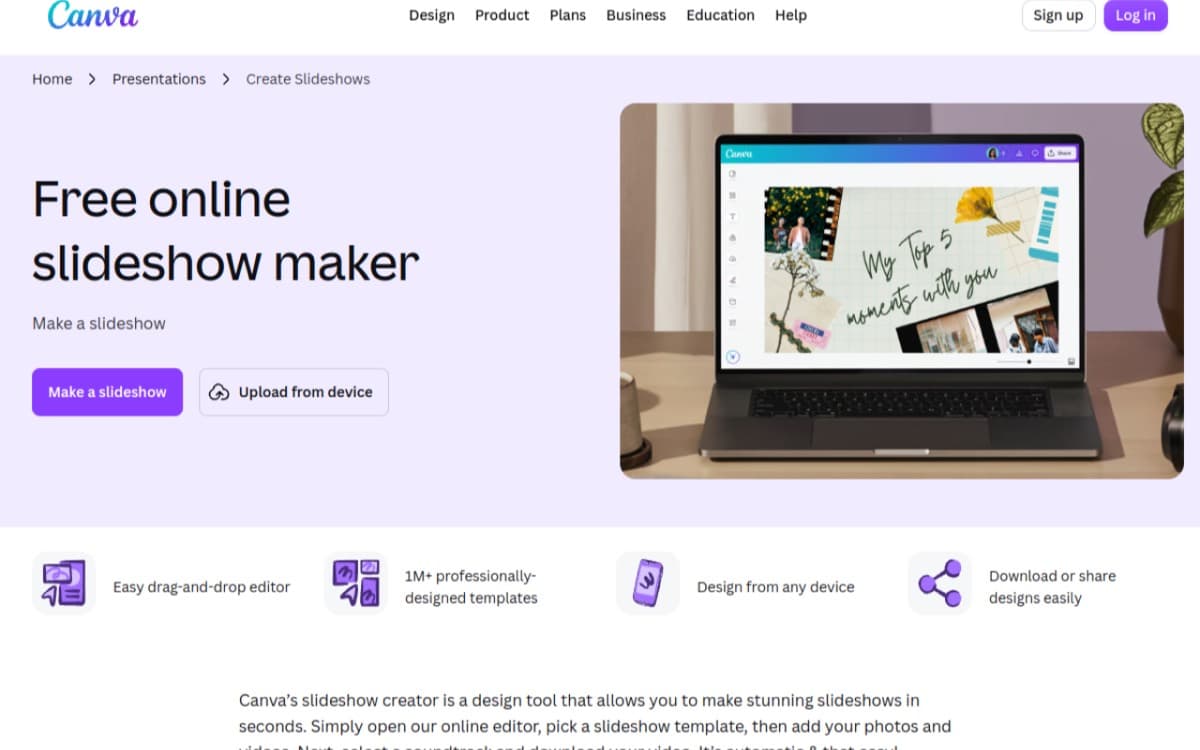
Canva is a design editor with slideshow templates and ready-made layouts. You place each photo and arrange each slide yourself.
Canva’s slideshow maker page.
It suits someone who wants a starting layout and is comfortable putting the slides together.
Best features
Slideshow templates Start with ready-made layouts, then place your own family photos.
Photo placement You choose where each photo goes in the design editor.
Limits
Hands-on editing You place every photo and arrange every slide yourself.
Paid elements Paid templates, photos, music, or graphics leave watermarks until purchased.
Pricing
Free elements Download free when every element in your slideshow is free.
Pro and Business Subscription prices differ by country for both paid plans.
CapCut
Your effort
5 of 5
Control
5 of 5
Best for
People comfortable editing on a timeline
One video costs
Free; paid prices vary by country.
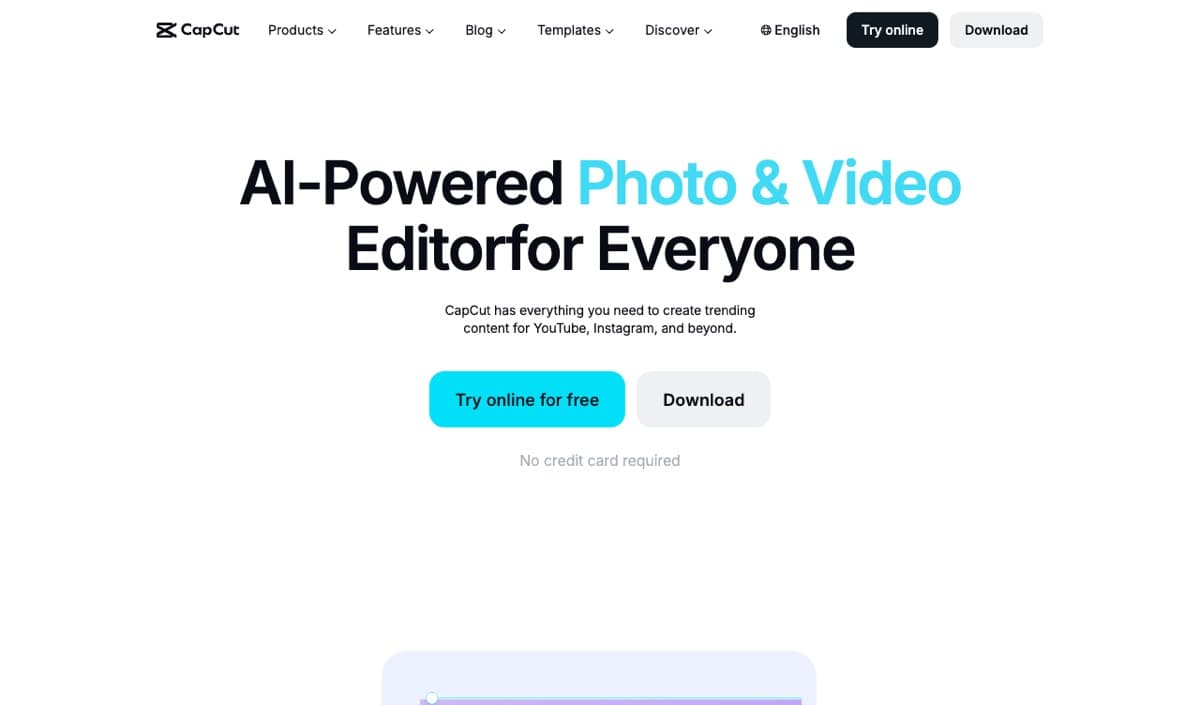
CapCut is a video editor for phones and computers. You place photos on a timeline, set their timing, add music, and cut the video yourself.
CapCut’s home page.
It suits someone who wants to make the editing decisions for a family slideshow.
Best features
Phone or desktop Work on your family slideshow using a phone or computer.
Photo timing Place photos on the timeline and set how long they stay.
Music and cuts Add music and cut the video yourself in the editor.
Limits
Manual editing You handle photo placement, timing, music, and video cuts.
Pro templates Templates marked Pro leave a watermark on the free plan.
Pricing
Free plan Templates marked Pro leave a watermark when used for free.
Pro and Ultra Both are subscriptions, with prices that differ by country.
iMovie
Your effort
4 of 5
Control
4 of 5
Best for
Apple users who want free manual editing
One video costs
Free.
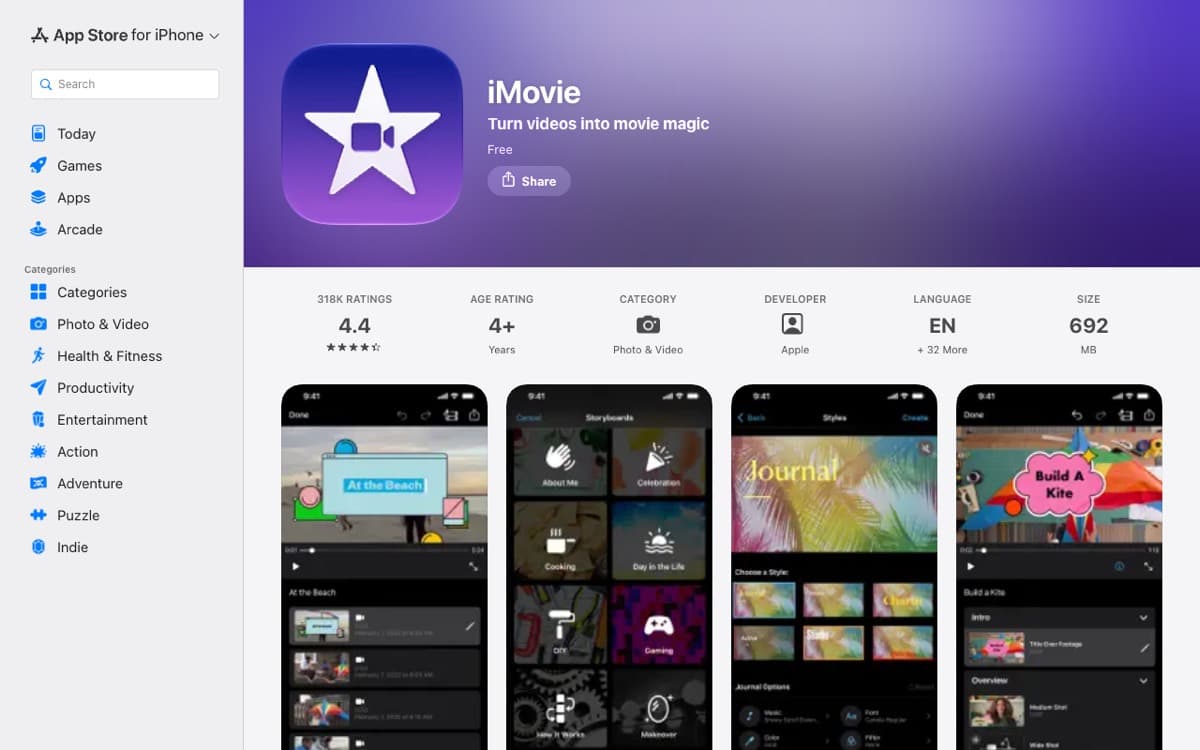
iMovie is Apple’s free video editor for iPhone, iPad, and Mac. You place the photos, set each photo’s timing, and choose the music yourself.
iMovie on the App Store.
It suits someone with an Apple device who wants to edit a family slideshow themselves.
Best features
Apple devices Make your slideshow on an iPhone, iPad, or Mac.
Photo timing Choose how long each family photo stays on screen.
Music choice Choose the music yourself as you put the slideshow together.
Limits
Device restrictions It is not available on Windows or Android.
Manual setup You place photos, set their timing, and choose music yourself.
Pricing
Free Apple’s editor is free to use and has no watermark.
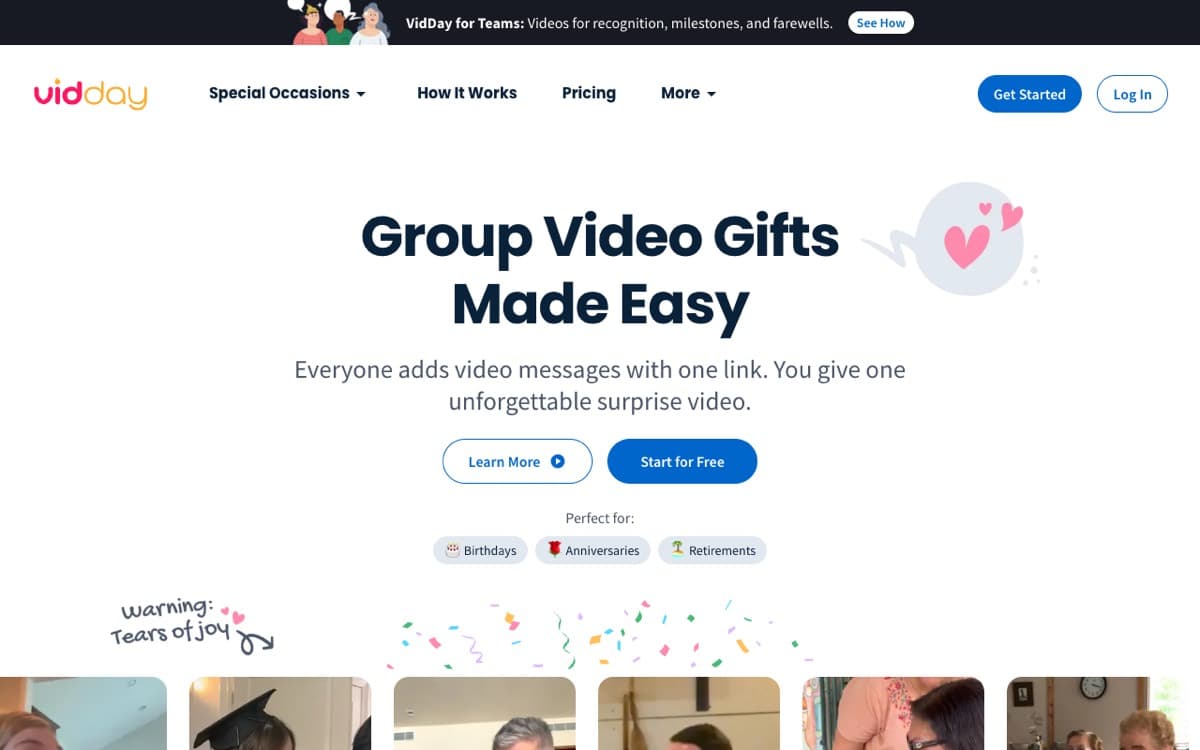
VidDay makes group videos from clips recorded by relatives. Your relatives record their own clips, and VidDay assembles them into a video.
VidDay’s home page.
It suits a birthday, retirement, or other family occasion where you want relatives to contribute recorded messages.
Best features
Family contributions Relatives record their own clips to contribute to the group video.
Video assembly VidDay assembles the clips your relatives record into one video.
Full preview Watch the whole finished video before deciding whether to pay.
Limits
Relative participation The group video depends on relatives recording their own clips.
Later remakes After the first free remake, each costs 30% of the original.
Pricing
Up to three minutes $5 for a video up to three minutes long.
Three to ten minutes $15 for a video lasting three to ten minutes.
Glinded
Your effort
1 of 5
Control
4 of 5
Best for
Families who want their video without an editing evening
One video costs
Free up to 5 photos; paid packages from $4.99.
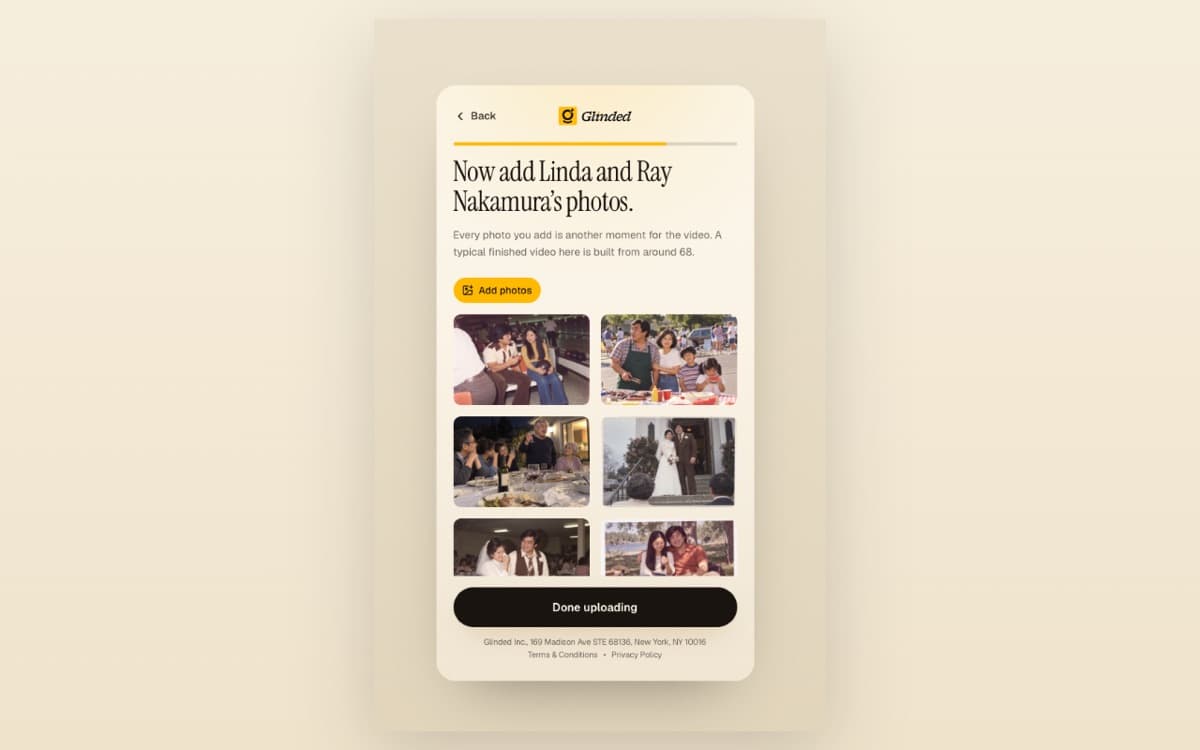
With Glinded, you say who the video is for and the occasion, then pick portrait or landscape. Add one photo to see the opening cover, then add the rest of your family’s photos. The finished video arrives by email in about ten minutes, with a download link live for two days.
Adding the photos in Glinded. The Nakamuras are demo characters, not a real family.
It suits someone making a family occasion video who wants to provide photos without working in a timeline editor.
Best features
Photo restoration Old or faded photos can be restored, with before-and-after pairs shown.
Licensed music A one-page music note names the track and its license.
Optional edits After payment, request free edits in plain words through ChatGPT.
Limits
No editing timeline There is no timeline editor or selection of templates.
Family photos only It uses your family’s own photos, never invented faces.
Occasion videos It is not built for monthly or marketing videos.
Pricing
Free Videos with up to 5 photos, with Creative Commons music.
Paid Pay once by photo count, from $4.99, with licensed Epidemic Sound music.
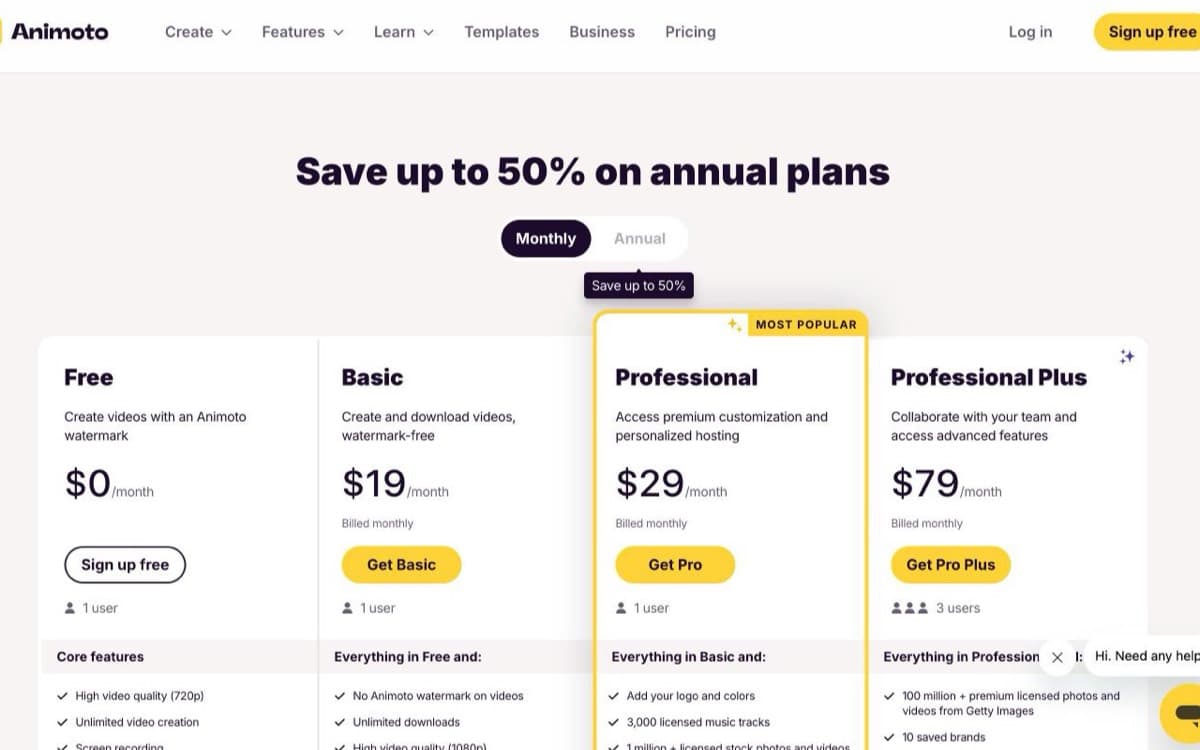
Animoto is a template-based video editor with a large template library. You pick a template, drag photos onto a timeline, and set the timing and music yourself.
Animoto’s pricing page, monthly billing.
It suits someone who wants full manual control over a family slideshow and is comfortable editing it themselves.
Best features
Template library Choose from a large template library to start your family slideshow.
Photo timeline Drag your family photos onto a timeline to arrange the video.
Manual control Set the timing and music yourself as you edit the slideshow.
Limits
Free plan restrictions Free videos have a watermark, 720p resolution, and no downloads.
Prepaid subscriptions Subscriptions are prepaid; canceling turns off automatic renewal, and paid features last until the paid month ends.
Pricing
Free $0 includes a watermark and 720p video, with no downloads.
Basic monthly $19 billed monthly removes the watermark and includes unlimited 1080p downloads.
Basic annual $9 a month, $108 up front, with the same watermark-free 1080p downloads.
How we checked
How we compared them.
We make one of these tools, so we owe you a comparison you can check. We focused first on the work involved, then the cost of one finished video, then the rules when you stop paying.
Your work: We compared what you actually do to turn your photos or collected clips into a finished video.
One video: We used each vendor’s own pricing page, choosing monthly billing for subscriptions rather than the monthly equivalent of an annual commitment.
After cancellation: We used help centres to check what happens to access, downloads, and shared links after you stop paying.
Free plans: We checked watermark and download rules so a free account is not confused with a free finished download.
Music: We considered music you can play at a family gathering and the license information provided.
Independence: We used no star ratings and no affiliate links, so nothing here earns us a commission.
Reviewers’ words: We did not make a video in every tool ourselves. Where people have described the work publicly, we quote their words and link to the review.
We make Glinded, so we did not put it first. Every competitor price and rule links to that vendor’s own pricing or help page so you can check the details yourself.
Before the gathering
Can the venue play your chosen song?
A music library is only part of the decision. Before choosing a song, establish where the video will play and ask the venue what it needs to check. Keep that answer with the finished video.
Permission to use a track inside an app may not cover every way a finished video is played or shared. An online share may be muted, or a venue may decline an unclear permission. Ask about music a venue can play before settling on a song. A song choice is not settled until the venue can check it.
Glinded paid packages use licensed music from Epidemic Sound, confirmed in writing. Every finished video includes a one-page music note the venue can check. The free Keepsake package uses Creative Commons music. Send the note with the finished video so the venue can review the music before the gathering.
Choose your shape
For the party and beyond.
Glinded makes landscape or portrait videos. Choose the shape when you start: landscape for the party TV, portrait for phones and the family chat. Below, see an anniversary video in landscape and a graduation video in portrait.
A landscape anniversary video for everyone gathered around the TV.
A portrait graduation video to share in the family chat.
To protect family privacy, the people in these videos are not real, and these demos show what Glinded can make.
Choose your evening
Who should pick what.
Choose by how you want to spend the evening. Some people enjoy arranging every slide. Others want to answer a few questions and watch the finished family video.
If you make videos every month and like a familiar editor
pick Animoto
If you enjoy designing each slide
pick Canva
If you are comfortable on a timeline, or use Apple devices
pick CapCut or iMovie
If you want a browser editor with templates
pick FlexClip
If you want relatives to record spoken messages
pick VidDay
If you want the finished family video without spending an evening editing
pick Glinded
EXAMPLES
Finished videos, made with Glinded.
Watch five celebration videos. Use the prompts below them in ChatGPT, or borrow the wording to describe the video you want.
Ask GlindedCreate a birthday tribute video from family photos, warm and joyful.
Ask GlindedCreate a warm, gently funny 50th wedding anniversary video from family photos.
Ask GlindedCreate a bright, proud college graduation video from family photos.
Ask GlindedCreate a warm, proud retirement video with a little humor from family photos.
Ask GlindedCreate a family archive video from old photos and short clips.
To protect family privacy, the people in these videos are not real, and these demos show what Glinded can make.
Is there a free Animoto alternative with no watermark?
iMovie is free without a watermark on iPhone, iPad and Mac, and you edit the birthday slideshow yourself. Glinded Keepsake is also free without a watermark, for up to 5 photos, with Creative Commons music. For a longer family video, compare the photo limit and the editing work before choosing.
What does Animoto actually cost for one slideshow?
For one birthday slideshow, Animoto Basic costs $19 when billed monthly. The annual option is $9 a month, billed as $108 for the year. Basic removes the watermark and includes unlimited 1080p downloads. Animoto Free costs $0, but includes a watermark and no downloads. Compare the full payment required for your occasion. Figures from Animoto’s pricing page.
What happens to my videos if I cancel Animoto?
When an Animoto paid subscription expires, an anniversary slideshow’s play-page links and embeds stop working. The account moves to Free, with videos stored for up to 90 days. You can view and edit, but editing removes paid features. Downloading or sharing again requires Basic or higher. Download the finished video before paid access ends. From Animoto’s help centre.
Animoto vs Smilebox: which is better for a family slideshow?
For a birthday slideshow, Animoto lets you price a paid download before signing up: Basic costs $19 with monthly billing. Smilebox is a family slideshow and card maker that runs on a subscription. Its website publishes no prices; the plan and price appear only after you sign up. Compare that commitment before moving your photos.
Animoto vs Canva for a birthday or anniversary slideshow?
For a birthday or anniversary slideshow, Animoto Basic offers watermark-free downloads for $19 with monthly billing. Canva can export free when you use only free content, but you place every photo yourself. Premium content is watermarked until paid. Choose around the total download cost and whether you want to arrange each slide.
When should I keep Animoto?
Keep Animoto if a birthday slideshow is part of regular video making and you value a familiar editor. Animoto suits monthly video work, a large template library and full manual control. Marketing teams can also use plans with brand kits, Getty stock and team workspaces. Switching is less compelling when those are tools you regularly use.
Can relatives add photos without making an account?
Yes, if you start your video in ChatGPT. That path includes a private family link where relatives can add photos without making an account. On the Glinded website, you add the photos yourself.
Will the venue be able to play the music?
For a Glinded memorial slideshow, paid packages use licensed Epidemic Sound music confirmed in writing. Give the venue the MP4 video file and the one-page music note to check before the gathering. The free Keepsake package uses Creative Commons music. Ask the venue to confirm playback and review the note before settling the arrangements.
ONE OCCASION, ONE VIDEO
Make a video worth keeping.
Bring the family photos together, describe the video and see a first version usually in minutes. Glinded has a free 5-photo package and paid packages priced by photo count. Choose what fits the photos you have.

 Glinded